
On this page
01 How it works
You choose one clear age group and one theme that matters to parents — a first day at nursery, a new baby sibling, being scared of the dark. You write a short story for exactly that moment. AI helps you polish the text, and it draws every illustration in one consistent style. You lay out the pages, upload the book to Amazon KDP, and Amazon prints each copy when someone orders it, ships it and pays you a royalty. No stock, no print run, no illustrator bill.
- Age group & theme
- Write the story
- Design the character
- Illustrate with AI
- Layout & cover
- Proof copy
- Publish & grow a series
The same skills pay in three different ways:
02 Is this for you?
- have kids, grandkids or work with children — and know what they love
- enjoy telling stories and reading aloud
- have an eye for pictures and like to get details right
- are patient enough to fix an illustration ten times
- want a product you can be proud to show your family
- need money this month
- think “AI writes and draws it, I just upload”
- don’t want to read your story to real children for feedback
- get frustrated when a character’s hat changes colour on page 9
- want to publish one book and never touch the topic again
03 The “saturated” myth — where the money really is
Yes, there are countless children’s books on Amazon, and since AI arrived, many more. Most of them are forgettable: a vague story “for kids”, a character that looks different on every page, text nobody tested on a real child. That’s not competition. That’s the background your good book stands out from.
Parents don’t search for “a children’s book”. They search for help with a situation: potty training book for boys, book about a new baby sister, starting kindergarten book. The money sits where a clear reader meets a clear moment.

I run a kids’ brand with colouring books and T-shirts, and I’ve been publishing on Amazon since 2017 — back when people already said it was too late. Parents don’t buy “a children’s book”. They buy the book that fits their child’s exact moment. Find that moment, make the book beautiful and consistent, then do it again.
Money in this category comes from three things:
- A sharp theme for one age group — a real situation in a child’s life, where the top books are few, dated or have reviews complaining about something you can do better.
- Story quality and consistency — a story that works read aloud, and a character who looks like the same character on every page. This is where lazy AI books fail.
- A series — the same hero across several books. Every new title sells the others.
Broad vs. sharp: what a good theme looks like
04 What AI changes
A picture book used to need an illustrator. That’s 20 to 30 full illustrations plus a cover — easily the biggest cost in the whole project, and usually more than a first book earns in a long time. For most people that was the end of the dream before it started. AI has removed that barrier.
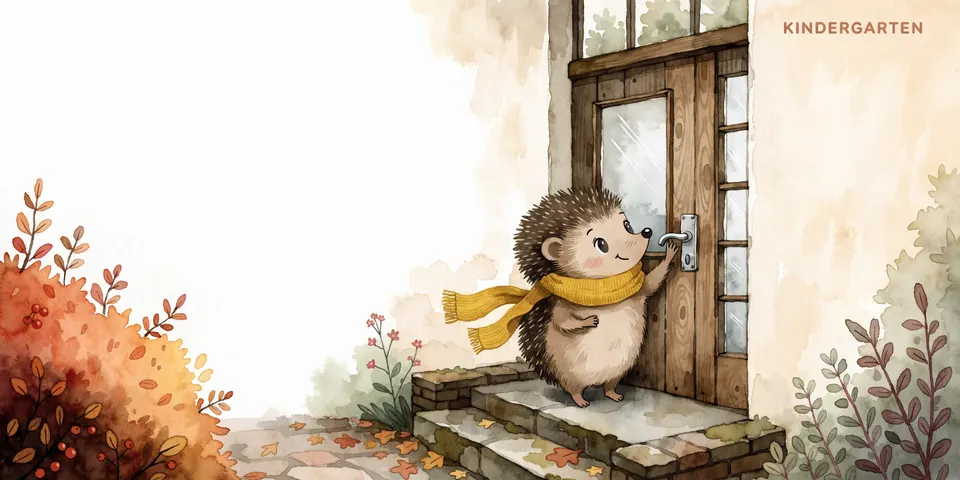
What AI does not do for you: write a story that children want to hear again and again. AI stories tend to be generic, preachy and full of rhymes that don’t quite scan. And AI images drift — a scarf changes colour, a tail disappears, a hand gets six fingers. Your job is the story and the quality control. That’s why these books still need you, and why the careful ones win.
05 Step by step — the complete process
All ten steps, from idea to a book on the shelf. Plan roughly four to eight weeks for your first book if you work on it a few evenings a week — more if you’re picky about the pictures (which you should be).
Everything starts here. And honestly, the age group decides word count, sentence length, page count and style. Decide first, then research.
- Ages 0–3: very few words, simple objects, bright shapes. Often board books — tricky to self-publish (see Risks).
- Ages 3–6: the classic picture book. Short story, one emotion or situation, read aloud by a parent.
- Ages 5–8: longer story, more text, first books kids read themselves.
- Type your theme into the Amazon search bar and note the suggestions — those are real searches.
- Open the top books for your theme. Check their Best Sellers Rank, read the 3-star reviews and note what parents miss.
Write the first draft yourself, even if it’s rough. Really. Your idea, your little twist, your warmth — that’s what makes the book. A classic picture book has a simple arc: a hero with a small problem, two or three tries that don’t work, a solution the child can understand, a warm ending.
- Keep it short. Most picture books for ages 3–6 stay well under 1,000 words.
- Every page needs something to show — if a page is only talking, there’s nothing to illustrate.
- Rhyme only if you’re good at it. Bad rhymes are the most common complaint in reviews.
- Read it aloud. If you stumble, a parent at bedtime will too.
Picture books traditionally have 32 pages, including title page and copyright page — so roughly 12–14 spreads for the story. Make a simple table: page number, text, what the picture shows, the hero’s emotion. Turn the page at moments of suspense, so the child wants to see what happens next.
This is the step most beginners skip, and it decides whether your book looks professional. Create your hero first, alone, on a plain background. Generate many variants and choose one. Then write a short “style bible” — one page you reuse for every prompt:
- Art style (e.g. soft watercolour, thin brown outlines)
- A fixed colour palette of 5–8 colours
- The character’s “DNA”: species, body shape, eye colour, exact clothing and accessories
- Light and mood (e.g. warm afternoon light, gentle shadows)
- What never appears (no text in images, no scary shadows …)
Now you use your character sheet and a style reference image for every single scene. Today’s tools offer this directly: Midjourney has reference features for characters and styles, ChatGPT can keep working with the same character inside one conversation, and tools like Leonardo.ai are built for consistent characters. Features change fast — check the current help pages of your tool.
- Use the same prompt template for every page — only the scene part changes.
- Generate the hero alone first; add other characters one at a time. Tools tend to “blend” faces in group scenes.
- Put your character sheet and the page of the book you like best next to each new image and compare: scarf, colours, proportions, number of fingers and toes.
- Fix small errors with editing tools (inpainting, generative fill) instead of regenerating everything.
- Never let the AI put text inside the picture. Add all words later in the layout.
Go through the whole book in one sitting, on a big screen. Look for anything strange or scary for a small child: extra limbs, odd faces, dark corners, objects that make no sense. Make sure every picture matches the text on that page. If the text says “red boots”, the boots are red.
Then upscale the final images so they print sharply. For print you want high-resolution files (Amazon recommends at least 300 DPI).
Choose a trim size typical for picture books — square formats and landscape formats are popular — and build your pages with bleed, so the images run to the edge without white borders. Use a large, very readable font; for young children, fewer words per page and bigger type.
- Choose colour printing — a picture book needs it. Amazon offers different colour quality levels; compare them in the proof.
- Colours often print darker than on screen. Brighten slightly and always order a proof copy.
- The cover: one clear image of your hero, big readable title, and the theme obvious at thumbnail size.
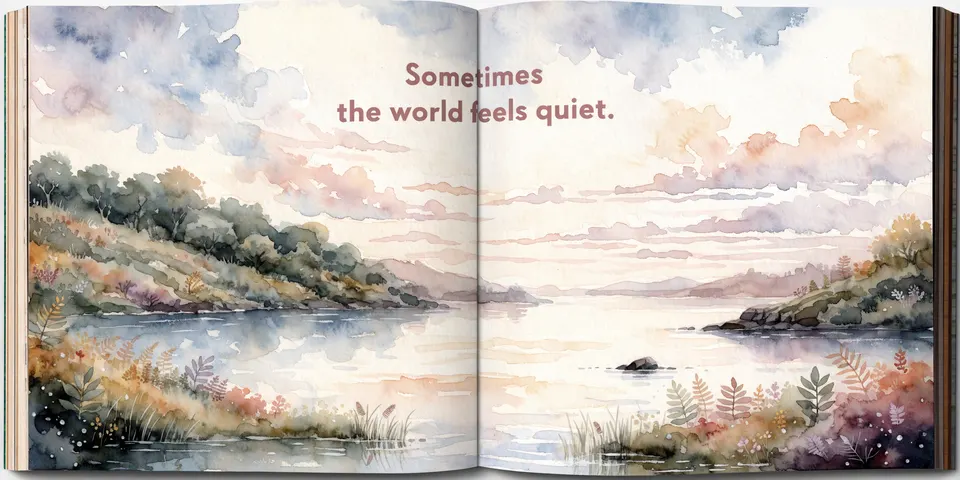
Before you publish, read the printed proof to two or three children of your target age — your own, friends’ or relatives’ kids. Watch, don’t ask. Kids are brutally honest — that’s exactly what you want. Where do they get restless? Which page do they want to see again? What questions do they ask? Fix those pages. This one hour is worth more than any tool.
- Upload a colour paperback (KDP hardcovers are currently black ink only) and, if you like, a fixed-layout e-book.
- Set the reading age range — KDP asks for it — and pick precise children’s categories.
- Use the keywords parents really type (from step 1) and write a description that speaks to the parent: which situation the book helps with.
- Answer the AI question honestly. Amazon asks you to declare AI-generated images and text, even if you edited them afterwards. AI-assisted editing of your own writing doesn’t need declaring. Check the current KDP content guidelines before you upload.
- Order an author copy and check it once more before you promote the book.
- Ask parents in your circle for honest reviews — never buy reviews and never review your own book.
- Share sample pages on Instagram and Pinterest, where parents look for book ideas.
- Start small Amazon Ads campaigns on your theme keywords and keep what works.
- Offer free reading sessions at local kindergartens or libraries (with permission).
- Plan book two with the same hero: a new situation, the same style bible. Then translate your best book with AI and a native proofreader.
06 Tools
Start with research — it makes the biggest difference. Illustration tools change every few months; the process stays the same.
07 Realistic expectations
Honestly: most single picture books sell a few copies a month, some sell almost none, and a few take off — you can’t predict which. Colour printing also means a smaller margin per copy than a black-and-white book. The people who do well treat it like a small publishing house: one strong hero, several books, steady improvements to covers and ads, and translations into other markets. Give it 6–12 months before you judge.
08 Tips & common mistakes
- Do: Write for one child at one moment: “a 4-year-old the night before kindergarten” — not “kids”.
- Do: Build the character sheet and style bible before page one. It saves you days of regenerating.
- Do: Put every word into the layout, never into the AI image. AI text in pictures is almost always wrong.
- Do: Test the proof copy on real children of the right age, and fix what bores them.
- Avoid: Letting AI write the whole story. The result is generic, preachy and forgettable.
- Avoid: A hero who changes from page to page — different scarf, different eyes, different size.
- Avoid: Wrong reading level: long sentences and hard words for 3-year-olds.
- Avoid: Skipping the proof copy. Colours, margins and cut-off faces only show up in print.
09 Pros & cons
- Very low start costs — no illustrator needed
- A meaningful product families keep for years
- A series with one hero can grow into a small brand
- Works in any language and market
- Creative, fun and great to share
- Consistent illustrations take real patience
- Colour printing means smaller margins per copy
- Lots of low-quality AI books you have to stand out from
- Depends on Amazon’s rules and algorithm
- A single book rarely earns much on its own
10 Risks & legal
- Copyright & famous characters: Never use known characters, brands or styles “like” a specific living illustrator in prompts or covers. Create your own hero. Avoid prompts naming real artists.
- AI disclosure: Amazon asks whether texts, images or translations are AI-generated. Answer truthfully — hiding it can cost you your account. Rules get updated, so check the KDP content guidelines each time you publish.
- Age-appropriate content: Nothing frightening, violent or unsafe for the age group (no child alone near water, no dangerous behaviour shown as fun). Read the whole book as a careful parent would.
- Product safety: Ordinary paper books for children over 3 are simple to publish. Board books, bath books and books with toys, sounds or small parts fall under stricter toy and safety rules in the EU, UK and US — stay with paper books unless you get specialist advice.
- Real children in images: Don’t turn photos of real children into characters without their parents’ clear permission.
- Taxes: Royalties are income. Check what applies to you where you live.
General information, not legal advice.
11 FAQ
Can I really publish a children’s book with AI illustrations on Amazon?
Yes. You declare the images as AI-generated during upload, like any other AI content. What matters for success is the same as for any children’s book: a good story, consistent pictures and the right age group.
Do I need to be able to draw?
No. You need a good eye — to choose a style, spot mistakes and keep your character consistent. Your design sense matters more than drawing skill.
How do I keep my character looking the same on every page?
Create a character sheet first, write a style bible, and use your tool’s character and style reference features on every image. Compare each new picture with your sheet and fix details before moving on.
How long should a picture book be?
For ages 3–6, usually a short text — well under 1,000 words — spread over about 32 pages. Younger children need even fewer words; older kids can handle more.
Should I write in rhyme?
Only if you’re very good at it. A clear, warm story in simple prose beats a forced rhyme every time — and it’s much easier to translate into other languages later.
The AI Picture Book Kit
- 40 picture book themes by age group
- Story structure worksheet (one page)
- Character sheet template + prompt pack
- Style bible template for one consistent look
- Page-by-page storyboard template
- Print & KDP launch checklist